Source: https://docs.netdata.cloud/health/tutorials/stop-notifications-alarms/
If you want to disable specific netdata alarm, go to end of alarm, where is “source”
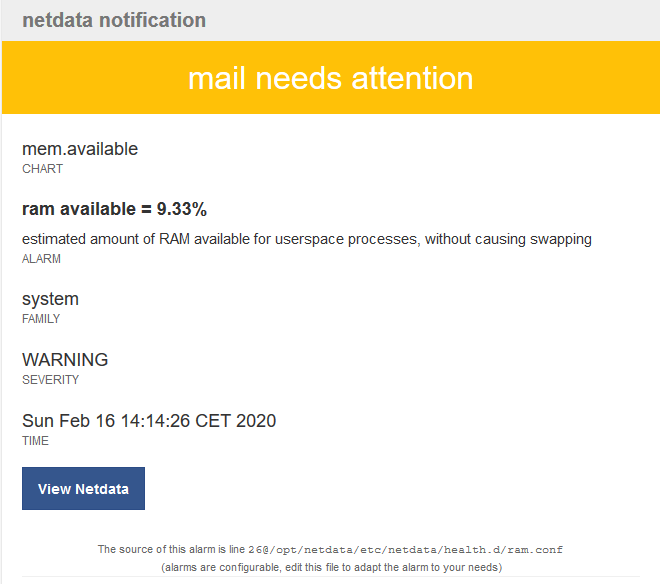
edit config file "/opt/netdata/etc/netdata/health.d/ram.conf" and replace
to: sysadmin
by
to: silent
alarm: ram_available
       on: mem.available
       os: linux
    hosts: *
     calc: ($avail + $used_ram_to_ignore) * 100 / ($system.ram.used + $system.ram.cached + $system.ram.free + $system.ram.buffers)
    units: %
    every: 10s
     warn: $this < (($status >= $WARNING)  ? ( 5) : (10))
     crit: $this < (($status == $CRITICAL) ? (10) : ( 5))
    delay: down 15m multiplier 1.5 max 1h
     info: estimated amount of RAM available for userspace processes, without causing swapping
       to: silent